Firewall Options for SMEs: Software vs Hardware vs Cloud
Every business needs a firewall, but options range from free software to enterprise hardware costing thousands of euros. Which solution fits your SME? This guide compares the three main approaches: software, hardware, and cloud-managed firewalls.
What is a Firewall?
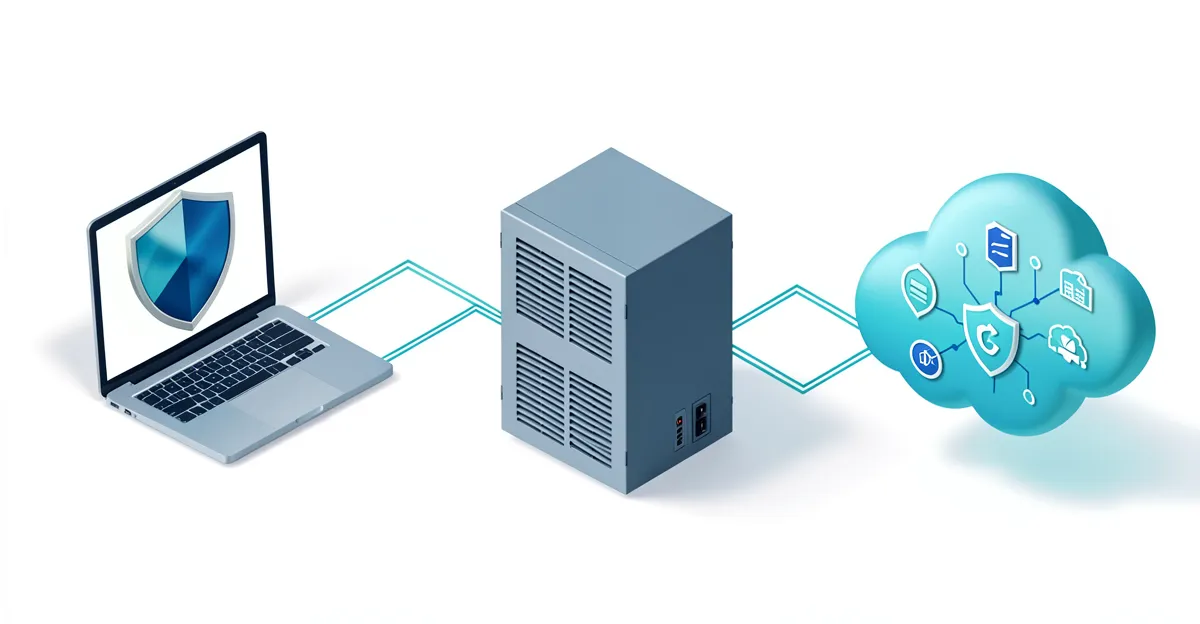
A firewall is your network's security guard. It monitors incoming and outgoing network traffic and decides whether to allow or block specific traffic based on security rules. Think of it as a border checkpoint: it checks every "vehicle" (data packet) and only lets through those with valid "passports" (matching your security policies).
Types of Firewalls for SMEs
Software Firewall
Runs on each device (Windows Firewall, macOS Firewall)
Installed on each computer. Filters traffic for that specific device only.
Hardware Firewall
Physical appliance between your network and the internet
Dedicated device that all traffic passes through. Protects entire network.
Cloud/Managed Firewall
Firewall as a service, managed by a provider
Traffic is routed through cloud security before reaching your network.
Firewall Comparison
| Feature | Software Firewall | Hardware Firewall | Cloud/Managed |
|---|---|---|---|
| Upfront cost | Free | EUR 300-2000+ | EUR 0-500 setup |
| Monthly cost | EUR 0 | EUR 10-50 (licenses) | EUR 50-200 |
| Setup complexity | Easy | Moderate-High | Easy |
| Expertise needed | Minimal | IT knowledge required | Minimal |
| Protection scope | Per device | Entire network | Entire network |
| Central management | No | Yes | Yes |
| VPN capability | Limited | Yes | Yes |
| Content filtering | Basic | Advanced | Advanced |
| Reporting | Basic | Detailed | Detailed |
| Updates | Automatic | Manual or license | Automatic |
| Best for | 1-5 employees | 10-250 employees | 10+ employees |
Software Firewalls: The Basics
Every Windows and Mac computer includes a built-in firewall. For very small businesses (1-5 people), this may be sufficient if combined with a secure router.
Pros
- Free and already installed
- Automatic updates with OS
- No hardware to maintain
- Works for remote workers automatically
- Easy to configure for basic needs
Cons
- Protects only the individual device
- No central management (each PC configured separately)
- No network-wide visibility
- Limited threat blocking capabilities
- No VPN or advanced features
When sufficient: Sufficient for 1-5 person businesses with no sensitive data, limited IT budget, and employees working from home or co-working spaces.
Hardware Firewalls: The Professional Choice
A hardware firewall is a dedicated device that sits between your router and your network. All internet traffic passes through it, giving you complete control and visibility.
Fortinet FortiGate
EUR 400-1500 (40F-80F series)- Excellent performance
- Comprehensive security features
- Good value
- Complex interface
- Annual license fees
Best for: Growing SMEs (20-100 employees)
Sophos XGS
EUR 500-2000 (87/107 series)- User-friendly interface
- Synchronized Security with endpoint
- Easy management
- Premium pricing
- Best value with other Sophos products
Best for: SMEs wanting easy management (10-50 employees)
WatchGuard Firebox
EUR 500-1500 (T25-T45 series)- Strong security
- Good for multi-site
- Drag-and-drop rules
- Less known brand
- Licensing can be complex
Best for: Multi-location businesses (10-100 employees)
pfSense
EUR 200-500 (hardware) + free software- Open source, free software
- Highly customizable
- No license fees
- Requires technical expertise
- No vendor support unless paid
Best for: Tech-savvy small businesses with IT expertise
What Hardware Firewall Implementation Involves
- 1 Network assessment (current setup, requirements)
- 2 Device selection and purchase
- 3 Physical installation (between modem and network)
- 4 Configuration of security rules and policies
- 5 VPN setup for remote access (if needed)
- 6 Testing and validation
- 7 Staff training on any changes
- 8 Ongoing monitoring and updates
Most SMEs hire an IT partner for installation. Budget EUR 500-2000 for professional setup.
Cloud/Managed Firewalls: Outsourced Security
Cloud-managed firewalls eliminate the need for on-site hardware expertise. The firewall is either entirely cloud-based or a physical device managed remotely by a security provider.
Firewall as a Service (FWaaS)
Your traffic routes through cloud security infrastructure. No on-site hardware.
Examples: Cloudflare Access, Zscaler, Palo Alto Prisma
Managed Hardware Firewall
Physical firewall at your location, but remotely monitored and managed by an IT partner.
Examples: Managed Fortinet, Managed Sophos via IT partner
Pros
- No technical expertise required
- Always up-to-date with latest threats
- 24/7 monitoring available
- Predictable monthly cost
- Scales easily with business growth
- Includes reporting and compliance features
Cons
- Higher ongoing monthly costs
- Dependence on provider
- May have latency for cloud-only solutions
- Less control over configuration
When ideal: Ideal for SMEs without IT staff, those needing NIS2 compliance evidence, or businesses wanting to focus on core operations.
A firewall is just one layer of protection. Also compare business antivirus solutions and explore the CyberFundamentals framework for a complete approach.
Recommendations by Company Size
1-10 employees
Windows Firewall + secure router/modem from ISP
Ensure Windows Firewall is enabled on all devices. Modern routers from Telenet, Proximus include basic firewall features. Consider upgrading router if very old.
Note: If handling sensitive data (medical, financial), consider hardware or managed option regardless of size.
10-50 employees
Hardware firewall (Fortinet 40F, Sophos XGS 87)
At this size, central management becomes essential. A hardware firewall gives visibility into all network traffic and enables VPN for remote workers.
Note: Factor in installation costs (EUR 500-1500). Consider managed option if no IT expertise.
50-250 employees
Managed firewall service OR dedicated IT security staff
At this scale, you need either in-house expertise or outsourced security management. Compliance requirements (NIS2) likely apply.
Note: Budget for regular security audits. Consider next-gen firewall (NGFW) with advanced threat protection.
Firewall Requirements for NIS2 Compliance
If your business falls under NIS2 , you need documented network security measures. See the full NIS2 requirements. A firewall is a basic requirement, but you also need to demonstrate:
- Network access controls and segmentation
- Logging and monitoring of security events
- Incident detection capabilities
- Regular testing and updates
- Documented security policies
Common Firewall Mistakes
Thinking "I have nothing to steal"
Attackers use SME networks to attack others, install cryptominers, or as ransomware targets.
Set and forget
Firewalls need regular updates, rule reviews, and log monitoring to remain effective.
Allowing "any to any" rules
Overly permissive rules defeat the purpose of a firewall. Restrict access to what is actually needed.
No logging or monitoring
Without logs, you cannot detect breaches or prove compliance.
Relying solely on firewall
Firewalls do not stop phishing, insider threats, or attacks via allowed services. Layer your security.
Need Help Choosing a Firewall?
Easy Cyber Protection can assess your current network security and recommend the right firewall solution for your business size and risk profile.
Frequently Asked Questions
Is Windows Firewall enough for my business?
For solo entrepreneurs or 1-3 person companies with minimal sensitive data, Windows Firewall combined with a modern router may suffice. For larger teams or businesses handling customer data, a dedicated hardware or managed firewall is recommended. Windows Firewall only protects individual devices, not your entire network.
What is the difference between a firewall and antivirus?
A firewall controls network traffic - what data enters and leaves your network. Antivirus detects and removes malicious software already on your devices. Both are necessary: the firewall is your perimeter defense, antivirus is your internal protection. Think of firewall as the door lock and antivirus as the security guard inside.
Do I need a hardware firewall if I already have a router?
Consumer and ISP routers include basic firewall features, but they lack advanced threat detection, content filtering, VPN capabilities, and detailed logging that business hardware firewalls provide. For 10+ employees or if you handle sensitive data, a dedicated firewall is worthwhile.
How much does a business firewall cost?
Hardware firewalls cost EUR 300-2000 upfront plus EUR 100-500/year for security subscriptions. Managed firewalls cost EUR 50-200/month including management. For a 20-person company, budget approximately EUR 600-1200 for hardware or EUR 100-150/month for managed service.
Can I install a hardware firewall myself?
Technically yes, but improper configuration can leave you exposed or disrupt your network. Unless you have IT experience, hiring a professional for initial setup (EUR 500-1500) is recommended. Ongoing management can often be handled internally with vendor training.